

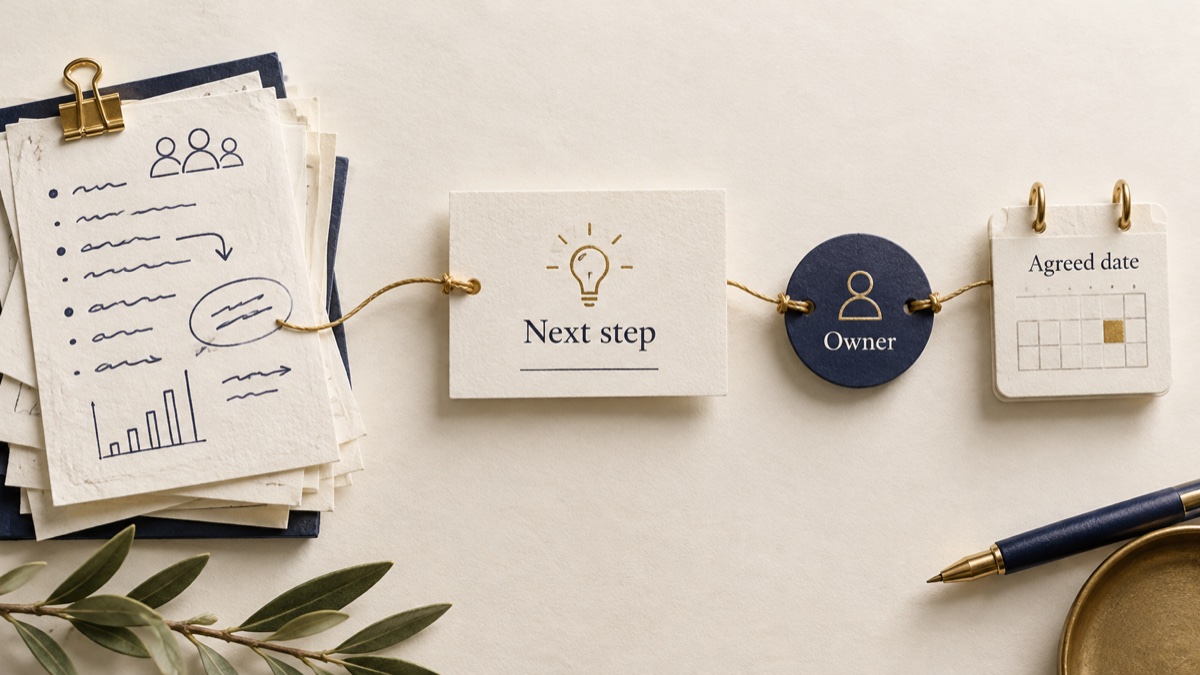
A meeting commitment tracker keeps agreed next steps visible after the call: the action, owner, date and source you can return to.
The useful outcome is less time reconstructing what everyone meant. Sharick brings meeting context, commitments and follow-ups into view.
Capture agreements, not every idea
“We should refresh the proposal” is a suggestion. “I’ll send the revised proposal on Thursday” is a commitment. Keep that distinction when turning notes into work.
For each agreed action, record four things:
- Action: the outcome someone agreed to deliver.
- Owner: the person who accepted it.
- Date: the agreed deadline, if there is one.
- Source: the note or conversation supporting the agreement.
If the owner or timing is unclear, ask. A reminder you set for yourself does not create a deadline for someone else.
Check the latest context before nudging
Imagine Maya agrees to send revised pricing by Thursday. On Thursday afternoon, review the original agreement and any later update. Perhaps she sent it in another thread or the team changed the scope.
If it is still outstanding, a specific check-in is easier to answer than “Any updates?”
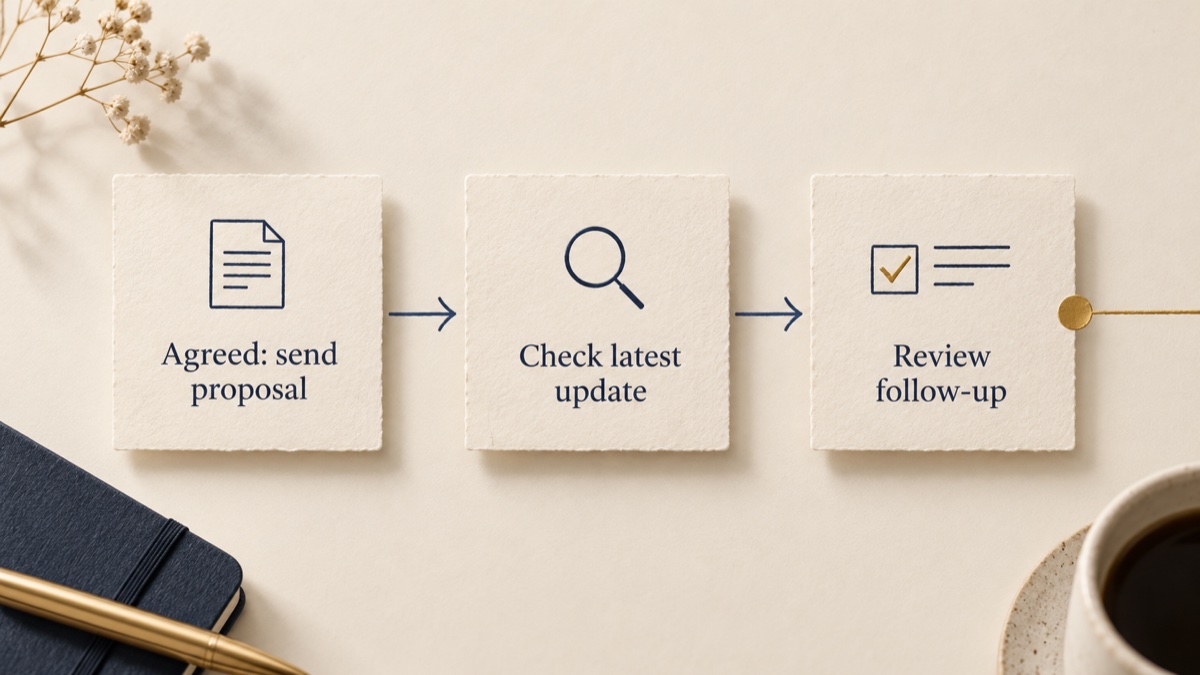
“Hi Maya, checking on the revised pricing we discussed. Is Thursday still workable, or should we update the timeline?”
Close the item when the agreed outcome is complete. If the plan changes, update the commitment rather than keeping an old reminder alive.
Start with one meeting
A shared document can handle a handful of actions. An assistant becomes useful when commitments cross meetings, email and chat.
Sharick helps you review connected work and prepare follow-ups. Check the source and review a draft before sending it.
Choose one recent meeting. Find two explicit commitments and check their owners, dates and current status. For promises made later by email, use the email commitment workflow.
Try Sharick